8 AI Video Generators Compared: Online Plans vs Open Source
Compare 4 online AI video tools and 4 open-source options by free access, watermarks, export limits, setup effort, and practical use case.
PixVerse Research
AI video tutorials, creator insights, and PixVerse updates
Compare 4 online AI video tools and 4 open-source options by free access, watermarks, export limits, setup effort, and practical use case.
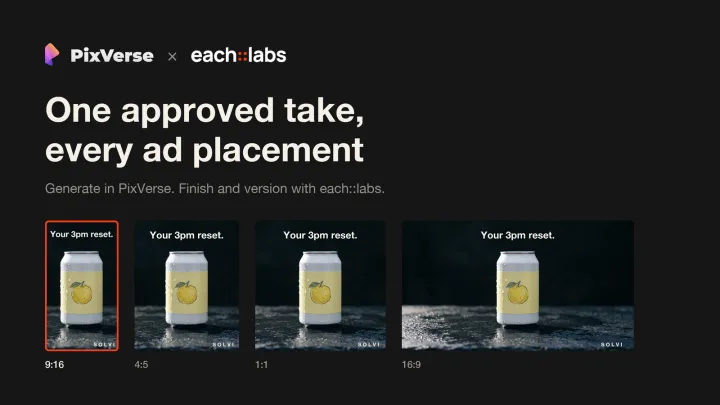
Generate one master take in PixVerse V6, then turn it into 24 ad variants for 9:16, 4:5, 1:1 and 16:9 with a finishing workflow on each::labs.
Use AI character animation tools to keep the same face and wardrobe across clips: platform features, prompt discipline, rigging, marketing personalization, and fixes for drift.
Compare the best AI animation generators of 2026, including PixVerse, Runway, Kling, and Pika, across features, pricing, free tiers, and use cases.
Compare the best AI music video generators in 2026 by audio input, lip sync, lyric subtitles, export formats, and pricing. Turn any song into a styled MV.
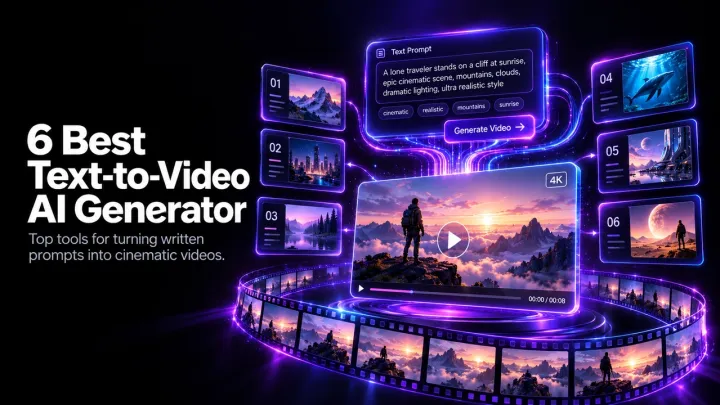
Compare PixVerse V6, AKOOL, Kling, Pika, Veed, and Pictory for text-to-video in 2026. See features, output quality, and best-use cases.
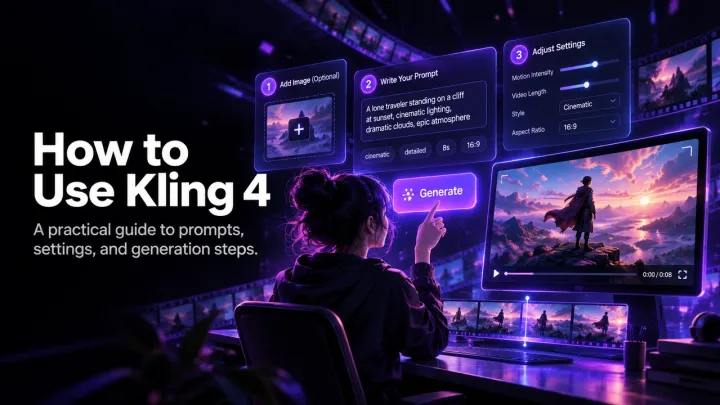
Learn how to use Kling 4.0 for text-to-video and image-to-video, write stronger prompts, adjust settings, and improve results before export.
Find out whether Kling 4.0 is free to use, how credits work, which limits apply to free access, and what AI video alternatives to consider.

See the Kling 4.0 release timeline, Flash versus full-model differences, expected features, access routes, pricing context, and alternatives available now.
Compare Kling 4.0 and Kling 3.0 on duration, resolution, audio, keyframes, reference control, pricing, and which workflow each version suits.
Compare Kling 4.0 and Seedance 2.5 for motion, reference control, audio, resolution, pricing, and the workflows each AI video model suits.
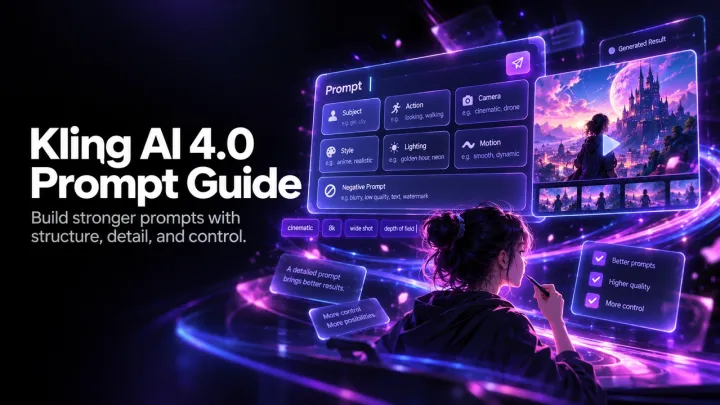
Use this Kling AI 4.0 prompt guide to structure scenes, direct camera and motion, improve character consistency, and copy practical video prompts.
A connected workflow helps merchants generate, match, and prepare product-specific video creative for catalog-driven campaigns.
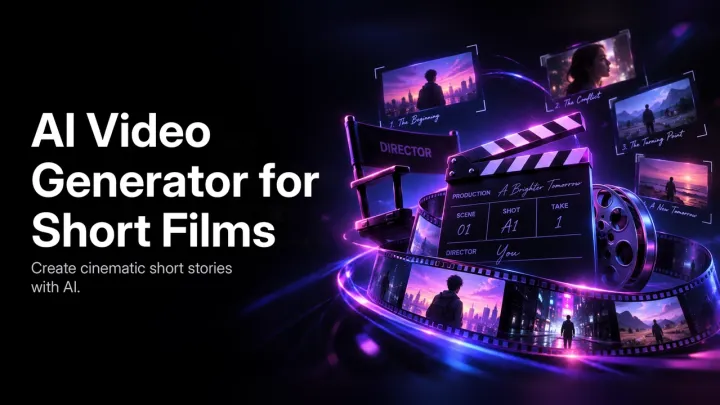
Use an AI video generator for short films with a practical workflow for scenes, character continuity, visual direction, sound, edits, and export.
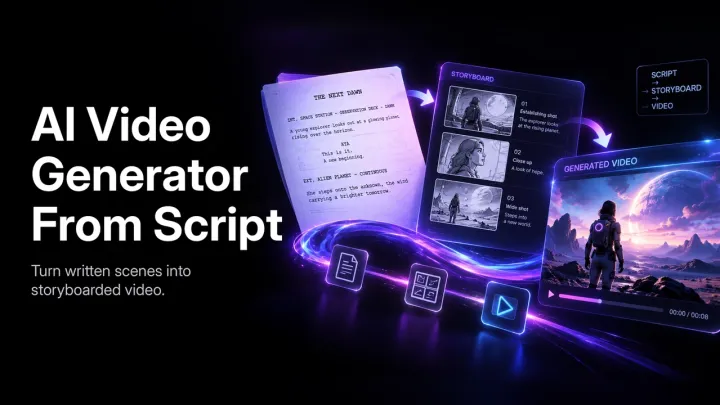
Turn a finished script into a planned AI video workflow with practical steps for scene direction, style consistency, audio, review, and export.
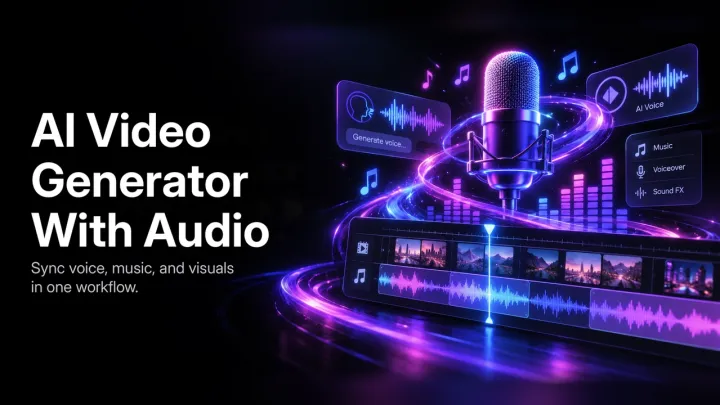
Explore how an AI video generator with audio can bring visuals, voice, sound effects, music, lip sync, and review into one video workflow.
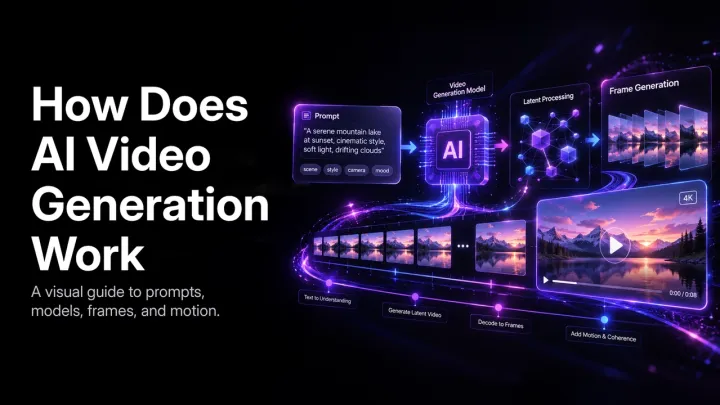
Learn how AI video generation turns text and images into motion, from diffusion models and temporal consistency to choosing the right workflow.
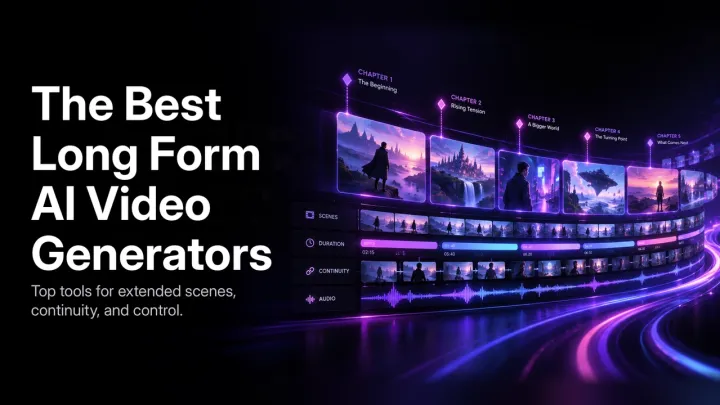
Learn how to evaluate a long form AI video generator for continuity, script workflows, character consistency, audio, review, and scalable production.
The collaboration brings together two joint webinars and an ongoing video series to help creators move more efficiently from initial ideas to production-ready content.
PixVerse Games Head Qiushi Chow Li shares how PixVerse R2 and the Game Engine turn real-time world generation into playable, evolving experiences.
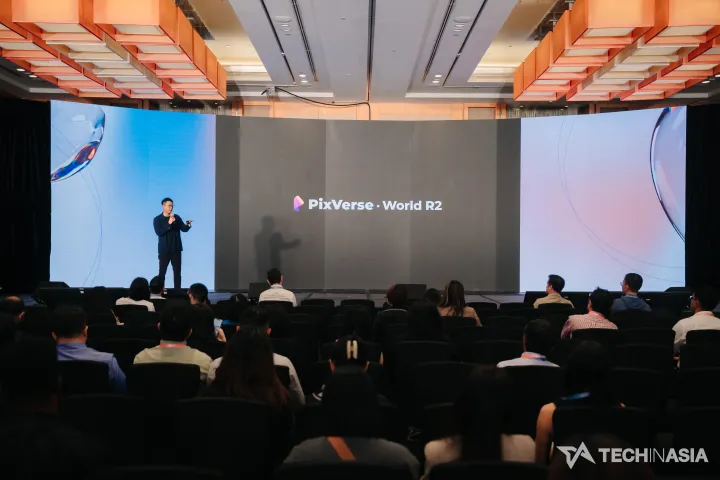
R2 is the upgrade to PixVerse's real-time world model. The focus of this release is scaling: the model is capable of taking on more data, tasks, and input types while still running in real time.

Compare the best AI anime video generators of 2026 by motion quality, character consistency, pricing, free tiers, controls, and use cases.
Compare the best AI avatar video generators of 2026 for talking avatars, realistic lip sync, pricing, free plans, and creator or business workflows.
Compare the best AI lip sync video generators of 2026 for voice matching, mouth motion, dubbing, realistic results, pricing, and free tiers.
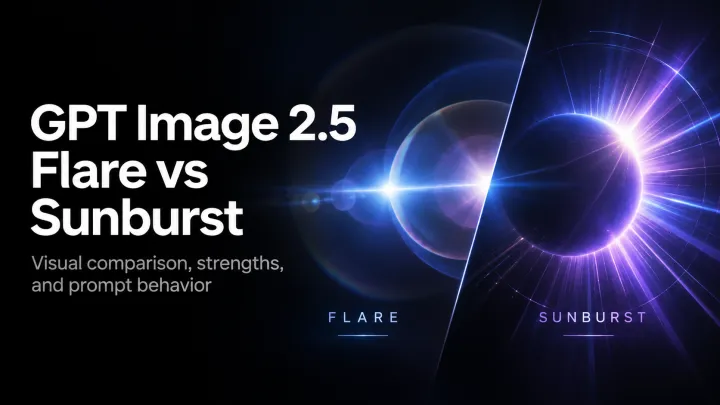
Compare GPT Image 2.5 Flare and Sunburst for fast image generation, precise editing, creative iteration, product visuals, and campaign production.
See what changed in GPT Image 2.5, compare Flare and Sunburst with GPT Image 2, and copy prompts for infographics, logos, comics, and diagrams.
Compare GPT Image 2.5 and FLUX 2 Pro for AI image generation, prompt control, image editing, product visuals, concept work, and creative workflows.
Compare GPT Image 2.5 and GPT Image 2 for prompt following, image editing, creative iteration, product visuals, campaign design, and workflow fit.
Compare GPT Image 2.5 and Nano Banana 2 with same-prompt tests for image structure, text, photorealism, product imagery, and creator workflows.
Compare GPT Image 2.5 and Seedream 5.0 with a same-prompt workflow for product visuals, structured images, creative scenes, and production-ready assets.
The recognition points to how PixVerse is building for our mobile users: fast and uncompromising video creation.
Build cinematic videos, motion graphics, and interactive experiences with PixVerse and GPT-6 Astra using controlled AI video workflows.
Learn how to use an AI explainer video generator for product marketing, SaaS demos, and internal training with a practical production workflow.
Learn how to add music to a video, balance dialogue and soundtrack levels, use AI audio tools, and handle music licensing before publishing.
Learn practical ways to improve video quality with AI upscaling, stabilization, noise reduction, color correction, and a review-first export workflow.
Compare Pika pricing and PixVerse video-generation costs, credits, features, and workflow fit to choose the better value for your production needs.
Learn how to plan, produce, and improve faceless YouTube videos with an AI video generator and a repeatable channel-growth workflow.
Learn how to create a talking avatar from a photo: prepare an image, add a voice or script, generate lip sync, and export for social video.
Learn a practical workflow for creating viral videos: stronger hooks, platform-native edits, faster AI production, and data-led iteration.
A practical FLUX 3 review covering video specs, native audio, keyframes, pricing, test criteria, and the rollout limits creative teams should know.
Learn how to use the FLUX 3 AI video generator: choose an input mode, write prompts, direct audio, test drafts, and review short clips.
PixVerse R2 scales real-time audiovisual world models with Omni Causal AR, persistent world state, multimodal control, and ultra-few-step acceleration.
MiniMax H3 is now on PixVerse: explore its supported 2K modes, official demos, limited-time discount, and production considerations.
Compare MiniMax H3 and Seedance 2.0 source-prompt clips, then try both AI video workflows on PixVerse during the current MiniMax H3 promotion.
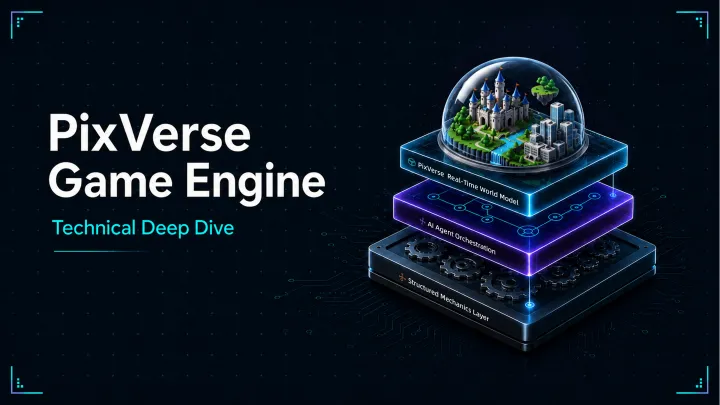
Explore PixVerse Game Engine — an architecture combining real-time generative video, AI agent orchestration, and abstract game mechanics for interactive entertainment.
Seedance 2.5 is now available on PixVerse with Video, Transition, and Reference modes, 4-30 second generation, and flexible reference inputs.
Seedance 2.5 is now available on PixVerse for Pro, Premium, and Ultra members. Create 4-30 second AI videos with Video, Transition, and Reference modes.
A practical Seedance 2.5 prompt guide with a reusable brief structure, product and narrative examples, reference tips, and a simple how-to checklist for creators.
Compare Seedance 2.5 vs Seedance 2.0 on PixVerse by duration, input modes, references, output settings, and a practical scorecard for production teams.
Apply to PixVerse CPP and review requirements, benefits, creator tiers, tier advancement, community expectations, weekly rewards, and FAQ.
Turn product information into batches of channel-ready video ads, built for testing at scale.
Plan ads, product demos, and short films with an AI storyboard generator. Turn a creative brief into a scene list, references, prompts, and a video plan.

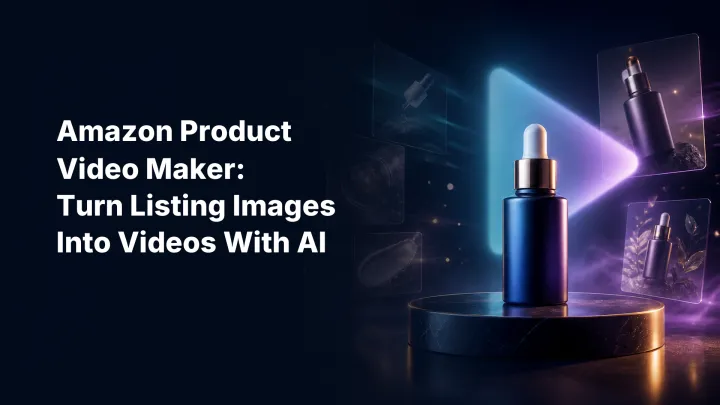
Use an AI Amazon product video maker to turn listing images into clear product demos, lifestyle clips, and marketplace-ready video concepts.
Open to filmmakers, screenwriters, and visual storytellers worldwide, PixLight rewards story-first work with the potential to grow into films, series, or original IP.
Seedance 2.0 from ByteDance is live on PixVerse with native audio, 9-image reference, Standard and Fast tiers, and 4-15s clips up to 1080p.
An invite-only program for selected creators ready to build a deeper, longer-term relationship with PixVerse.
PixVerse Originals is PixVerse’s long-term initiative for developing and releasing original AI-driven work with creators around the world.
Learn how to make AI TikTok videos: write a script, generate 9:16 visuals, add voiceover and music, export, and disclose AI content before posting.
Join the PixVerse CPP Post-to-Credits Campaign V2.1 to earn weekly credits, cash prizes, Canvas rewards, and support for standout projects.
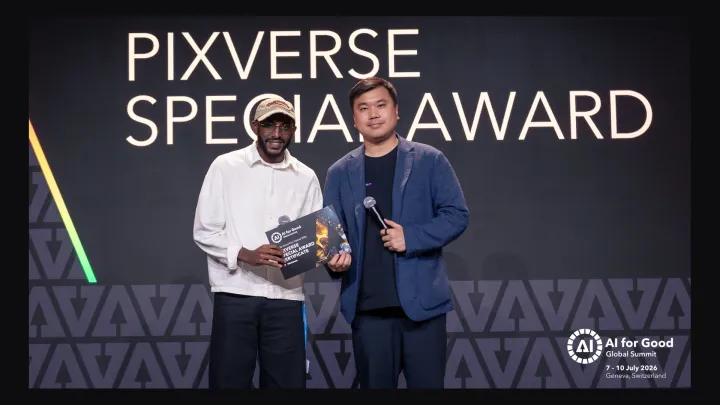
Selected from thousands of global submissions, PixVerse Special Prize honors Another Day, an AI film inspired by one family's experience with Alzheimer's.
With this round backed by a broad set of international investors, PixVerse extends its platform from video creation into games and interactive entertainment, powered by its interactive real-time world model.
Install PixVerse CLI, generate AI videos, images, voice, and music from the terminal, and automate agent workflows with JSON output.
Learn how AI UGC video generators create authentic creator-style ads. Explore technology, use cases, benefits, and how PixVerse speeds up UGC video production.
Compare Runway pricing tiers with PixVerse credit-based plans. See subscription costs, feature tradeoffs, and which AI video platform fits your budget.
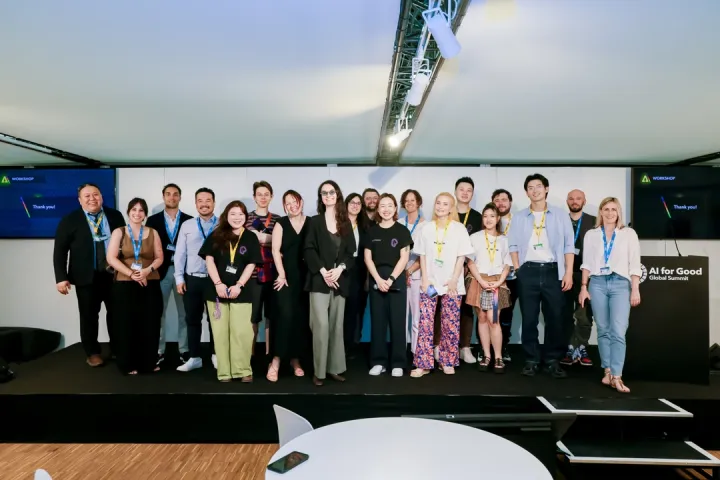
At the UN AI for Good Summit 2026 in Geneva, PixVerse hosted a workshop on AI filmmaking with creators spanning horror, animation, performance, and commercial ads.
Learn how to write AI video prompts for cinematic scenes with camera movement, lighting, PixVerse workflows, and examples for TikTok, YouTube, and Instagram.
Compare PixVerse, Creatify, Arcads, HeyGen, Synthesia, Runway and more by product ads, UGC creatives, commercials, spokesperson videos, and testing.
Compare 8 affordable AI video generators for ecommerce product listings, Shopify stores, Amazon ads, TikTok Shop videos, and catalog-scale product creatives. See which tool fits each workflow.
Compare free and paid AI video tools in 2026, including Sora 2, Runway, Kling, Luma, Pika, Veo, and PixVerse, with hands-on tests and use cases.
Compare image-to-video AI tools for free testing, product videos, social clips, and PixVerse workflows. Learn what to check before scaling.
Explore 80 copy-ready GPT Image 2 prompts for ads, posters, products, characters, and video workflows, plus API notes and hands-on review results.
Compare GPT Image 2 vs Nano Banana 2 for AI image generation, same-prompt tests, text rendering, photorealism, API pricing, ecommerce, and video workflows.
Hands-on PixVerse V6 review with test methodology, benchmark observations, 15-second 1080p workflow, native audio, credit costs, and limits.
Learn what Gemini Omni Flash can do, how to try it on PixVerse, how SynthID works, and how to write safer prompts for original AI videos.
Learn how to use Gemini Omni Flash on PixVerse for text-to-video, image-to-video, reference images, prompts, settings, and use cases.
Learn seven AI video prompt fixes with good and bad examples, PixVerse prompt tests, and cross-model rules for better video outputs.
Upload a song to VibeMV AI, add lyric subtitles and a character, compare generator vs visualizer workflows, check rights, and export 9:16 or 16:9.
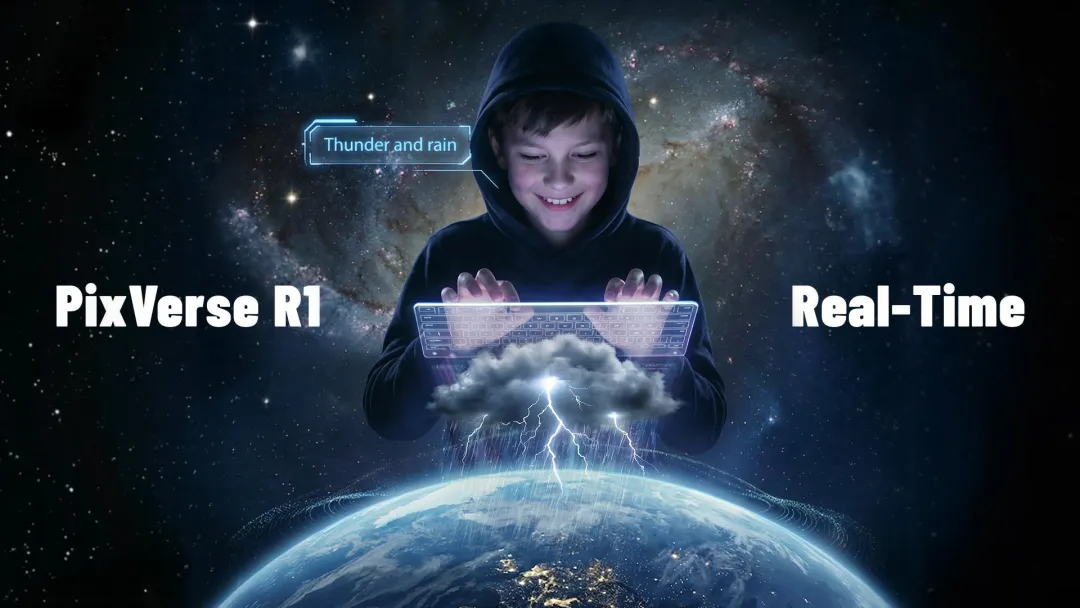
Learn what PixVerse R1 is, how the real-time AI video world model works, how it differs from AI video generators, and when to use R1, V6, or C1.
Compare HappyHorse 1.0 vs Seedance 2.0 with real prompt tests, audio-video results, pricing, and a quick verdict for production workflows.
Compare Runway API alternatives for real-time AI video generation with multi-model support. See PixVerse, Kling, Seedance, Luma, and Pika for faster workflows.
Seedance 2.0 review with pricing, tested prompts, fixes, and comparisons vs PixVerse V6, Kling 3.0, Veo 3, and more.
Compare 5 practical Sora alternatives for AI video: PixVerse, Seedance, Runway, Kling, and Veo, with pricing, trial notes, and workflow fit.
Use an AI football ad generator to create product-first World Cup-style videos, watch-party ads, fan-zone clips, local match promos, and social ads.
Compare leading AI video APIs for text-to-video and image-to-video automation. See PixVerse models, integration options, pricing tiers, and production workflows.
Learn how to choose AI inpainting tools for generative fill, object replacement, outpainting, ecommerce, layered editing, and local edits.
Choose the right AI sound effect generator for video sync, text-to-SFX, Adobe workflows, social clips, game audio, and commercial use.
Compare Canva Create a Video Clip with PixVerse, Runway, Flow, CapCut, and Adobe for social clips, brand content, editing, and scalable workflows.
Learn HappyHorse 1.0 with prompts, audio tips, settings, PixVerse tests, FAQs, and limited-time discounts up to 60% OFF.
Change a photo's aspect ratio without cropping using AI outpainting. Expand images to 9:16, 16:9, and 1:1 for TikTok, YouTube, and Instagram in seconds.
See the Midjourney May 2026 update: V8.1 changes, current version status, pricing, video generation, pros and cons, and PixVerse workflow tips.
Learn how to use a YouTube Shorts AI video generator for ideas, prompts, editing, PixVerse 9:16 clips, analytics, and repeatable short-form workflows.
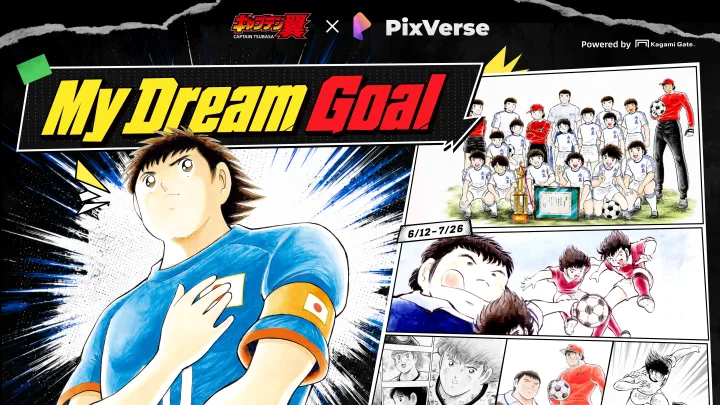
PixVerse brings the football manga that shaped generations of fans into a new era of AI-powered creativity.
Use Grok Imagine 1.5 on PixVerse for image-to-video with native audio, 1-15s duration, 480p/720p output, and Pro plan access.
A first PoC for the KAGAMI Gate license management and revenue distribution system
PixVerse Canvas makes its debut as a visual AI video workflow workspace — organize assets, storyboards, batch tasks, and multi-model results on one canvas instead of one-off prompts.
Expand any video frame with AI outpainting — no cropping, no black bars. Convert 16:9 to 9:16, 1:1, and 21:9 for TikTok, Reels, YouTube, and ads in PixVerse Video Expand.
Learn how to add a person to a photo with AI editing tools. Compare apps, follow a step-by-step merge workflow, and get professional-looking results.
Connect PixVerse cinematic look-dev with Tripo Studio to prototype game assets faster, from dynamic hero frames to engine-ready 3D meshes.
Learn how Gemini Omni works in YouTube Shorts Remix, who can use it, what watermarks and creator controls mean, and when to use PixVerse for original 9:16 Shorts.
Yes, Grok can generate videos through Grok Imagine. See Video 1.5 updates, text-to-video limits, API pricing, prompts, and PixVerse testing tips.
Create AI videos that travel further. Join PixVerse CPP 2.0 for credits, cash rewards, official exposure, and a path to bigger creative projects.
Compare 8 AI fashion video generators with pricing, features, and test criteria. Turn apparel photos into model videos, fashion ads, and social clips.
Compare Runway Aleph 2.0 alternatives by workflow: editing footage, generating product videos, building AI ads, and scaling video production.
Learn how to turn product photos into video ads with AI video ad creator tools, PixVerse workflows, quality tips, and marketing best practices.
Compare the best Google Flow alternatives for free text-to-video, AI filmmaking, storyboards, APIs, social clips, and long-form workflows.
No official Veo 4 release date has been confirmed. See what Google announced at I/O 2026, why Veo 3.1 is still current, and what to use now.
Compare PixVerse vs Runway for ecommerce video ads, creative control, pricing, APIs, and product workflows to choose the right AI video platform.
Learn how to make money with AI using the PixVerse affiliate program. One creator earned $5,500 in one day—30% recurring commissions, 90-day cookie. Apply free.
Create TikTok ads with PixVerse AI Video Ad Maker: Ad Master and V6 workflows, features, best practices, formats, and optimization for stronger engagement.
Compare PixVerse V6, R1, V5.6, and Sora 2 on one platform: features, automated production, editing tools, business use cases, and pricing.
BACH AI Video Generator turns AI video from single clips into 30-second multi-shot films. Learn what makes it different, where it fits, and how to test it.
Learn how the PixVerse AI platform streamlines video creation, automated editing, and personalization—plus workflows, features, and support resources for teams.
Learn how real-time AI video generation works, which tools matter most, and how to produce dynamic videos on PixVerse for marketing and content creation.
An in-depth review of Seedream 5.0 Lite on PixVerse covering 4K resolution, performance benchmarks, pricing, pros and cons, and how it compares to Nano Banana Pro and other AI image generators.
DeepSeek V4 review covering Flash and Pro features, benchmark feedback, 1M-token context, CSA/HCA architecture, limitations, and API pricing.
PixVerse returns to the UN AI for Good Global Summit 2026 in Geneva: AI video workshop, Film Festival partnership, creator awards, and global submissions for AI storytelling.
Beat ad fatigue and duplication with an AI promo video maker. Scale e-commerce creatives for about $2 per video and keep ads fresh on TikTok and Reels.
Create consistent characters in AI video on PixVerse V6: reference images, prompts, multi-shot, and image-to-video for stable faces across clips.
We tested Kling O3 and Kling 3.0 on PixVerse across video, image, reference control, audio, and cost. See prompts, results, best use cases, and limits.
Hands-on PixVerse C1 review with verdict, test method, sample prompts, pricing, credits, specs, pros and cons, and C1 vs V6 vs R1.
PixVerse announces C1, its first AI video model for film production: action and effects, storyboard-to-video, reference-guided consistency, up to 1080p and 15 seconds with audio.
Sora 2 is offline as of March 2026. This guide compares Veo 3.1 and PixVerse V6 on specs and the same test prompt, with Sora 2 as historical context.
PixVerse expands R1 with personalized avatars, continuous shared worlds, and no session limits. Real-time world model update available at realtime.pixverse.ai.
PixVerse adds Team Plan for shared creative workspaces, Mini Apps including Ad Master for fast commercial video, and CLI with Skills for developer and agent workflows.
PixVerse V6 improves camera work, character performance, and multi-shot video with native audio. Available now with launch discounts; CLI supports developer and agentic workflows.
PixVerse Web Creator Panel now features smart folder uploads, drag-to-select, batch downloads for up to 50 files, and copy-paste uploads for a faster workflow.
PixVerse will accelerate its global expansion from its newly established global office in Singapore, targeting enterprise markets across North America and Asia
Discover 10 useful OpenClaw skills for developers, with safer install checks, ClawHub verification tips, and PixVerse V6/C1 media workflows.
PixVerse V5.6 has ranked #2 on the Artificial Analysis global video generation leaderboard, earning top marks for cinematic quality, rapid model iteration, and competitive API pricing.
Generate stunning images with Nano Banana 2 on PixVerse. Google's fast image model delivers up to 4K output with 9-image reference input and credits starting at 16 per image.
Looking for an alternative to Google Genie 3? Compare Genie 3 as a research prototype with PixVerse R1, a real-time world model with live access, API path, and integrated audio.
PixVerse R1 now delivers 720p HD real-time video generation with integrated audio and interactive storytelling. Limited API access waitlist now open for qualified partners.
Explore Qwen-Image-2.0, Alibaba's next-generation foundational image generation model featuring professional typography rendering, native 2K resolution, and unified generation and editing capabilities.
Explore the capabilities of Seedance 2.0, ByteDance's latest AI video generation model featuring quad-modal inputs, advanced camera control, and a universal reference system.
PixVerse now offers OpenAI's Sora 2 and Sora 2 Pro as new video generation options, featuring cinema-grade quality, flexible durations, and professional-level output.
PixVerse now offers Google's Veo 3.1 Standard and Fast video generation models, featuring film-grade HD quality, flexible durations, and rapid iteration options.
Learn about the circumstances under which your PixVerse Creator Partnership Program (CPP) status may be revoked, including inactivity, rule violations, and community misconduct.
PixVerse launches R1, the world's first real-time world model generating continuous interactive 1080P AI video with instant response to user input.
PixVerse announces a Series B funding round led by Alibaba to drive international expansion in AI video creation, serving over 100 million users across 175+ countries.